Escape HTML Online
This tool helps you escape HTML online instantly and safely.
Result updates automatically as you type or paste.
Paste your HTML code above and click the button to instantly convert it into safe, displayable text. The result can be used in blog posts, tutorials, documentation, or anywhere you need raw HTML to appear as code rather than be rendered by the browser.
Example
Input:
<div>Hello World</div>Output:
<div>Hello World</div>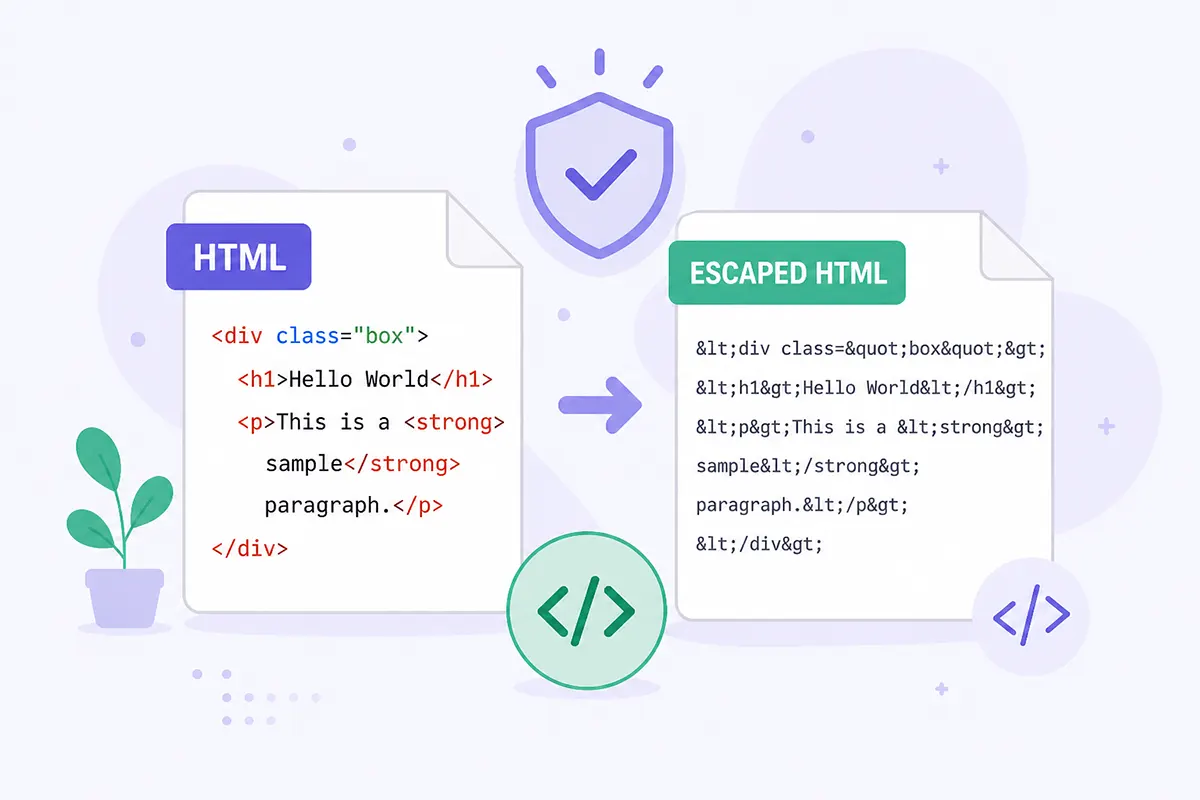
How this tool works
This tool replaces special HTML characters with their escaped equivalents so they are displayed as text instead of being interpreted by the browser.
<becomes<>becomes>&becomes&"becomes"'becomes'
Why use this tool?
This tool is designed to be simple and fast, allowing you to instantly convert HTML into a safe format without any manual work.
Escaping HTML is important when you want to display code safely without it being executed. This is useful for developers, bloggers, and anyone creating tutorials or documentation.
Instead of manually replacing characters, this tool handles all conversions instantly and accurately, saving you time and reducing the chance of errors.
When should you escape HTML?
- When displaying code snippets in blog posts
- When writing HTML tutorials
- When showing raw HTML in documentation
- When preventing HTML from being executed
FAQ
What does escape HTML mean?
Escaping HTML means converting special characters into safe representations so they are shown as text instead of being interpreted as HTML. This is a standard and widely used practice in web development and content publishing.
Is this HTML escape tool safe?
Yes, this tool works in your browser and does not send your data anywhere.
Does this tool remove HTML?
No, it does not remove HTML. It converts it into a readable format.
Can I escape HTML manually?
Yes, but it can be time-consuming. Using a tool is faster and reduces errors.
You may also find our URL Encode Tool useful for encoding URLs.
Learn more about HTML escaping on MDN Web Docs.